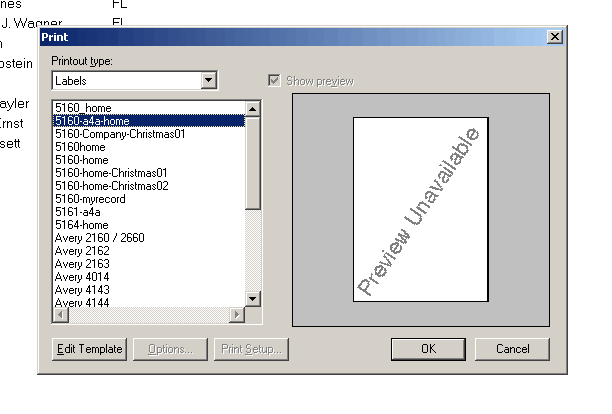
6. Press dropdown
box under Printout type and select Labels. Select 5160-home labels
and press OK.
If you don't have these labels please download.
Download the files
to your desktop, extract or save the files to your Reports folder located in
C:\Program Files\ACT\Reports.Note:
You must have Winzip to unzip or open these files.
Avery 5160 Labels : This zipped file includes one label with home address and
another label with company Address.
Download Now
»
Avery 5164
Labels : This zipped file includes one label with home address and another label
with company Address.
Download Now
»